Quick answer: The best PhantomBuster alternative depends on the problem you're solving. If you want an all-in-one prospecting and outreach platform, Apollo.io is the most direct upgrade. If you need custom enrichment workflows, Clay gives technical teams the most control. If your prospecting revolves around local businesses on Google Maps and directories, and you'd rather pay once than subscribe, Leads Sniper is built for exactly that job.
PhantomBuster has been a default recommendation for LinkedIn and web scraping for years. Set up a few "Phantoms," schedule them, export a CSV, and you've got the raw material for outreach. It's flexible, cloud-based, and genuinely useful for the extraction step.
But plenty of teams eventually want something different. Some need built-in outreach and CRM sync. Some need cleaner, more structured business data. And some just don't want another subscription that scales with usage rather than results. For teams using PhantomBuster primarily as a scraping layer, the workflow often continues into separate enrichment, outreach, or CRM tools, and that hand-off is where the search for alternatives usually begins.
This leads sniper vs phantomBuster guide breaks down 10 PhantomBuster alternatives, explains what each one does well, and helps you match a tool to your actual situation. You'll also find a dedicated PhantomBuster vs Leads Sniper comparison, use-case winners, and a decision framework for choosing your replacement.
Looking for business leads without a monthly scraping subscription? See how Leads Sniper finds prospects from Google Maps, Search, and Yellow Pages, with a one-time payment.
How We Evaluated These PhantomBuster Alternatives
We didn't score these tools out of ten or rank them by feature count. Instead, we compared each platform across the criteria that actually shape a buying decision:
- Primary data sources: where each tool pulls contacts from (LinkedIn, directories, proprietary databases, or open web).
- Automation capabilities: scheduling, sequencing, and workflow chaining.
- Pricing model: subscription vs. usage-based vs. one-time payment, and how costs scale.
- Technical requirements: how much setup, ops, or engineering skill a team needs to get value.
- Outreach capabilities: whether the tool stops at data or continues into messaging and CRM sync.
- Use-case fit: the type of team and prospecting motion each tool suits best.
A note on transparency: this comparison is based on documented product capabilities, pricing models, and how these tools are used in real prospecting workflows, not a hands-on lab test of all ten platforms. Product features and pricing change often, so verify current details on each vendor's website before you buy.
What Is PhantomBuster?
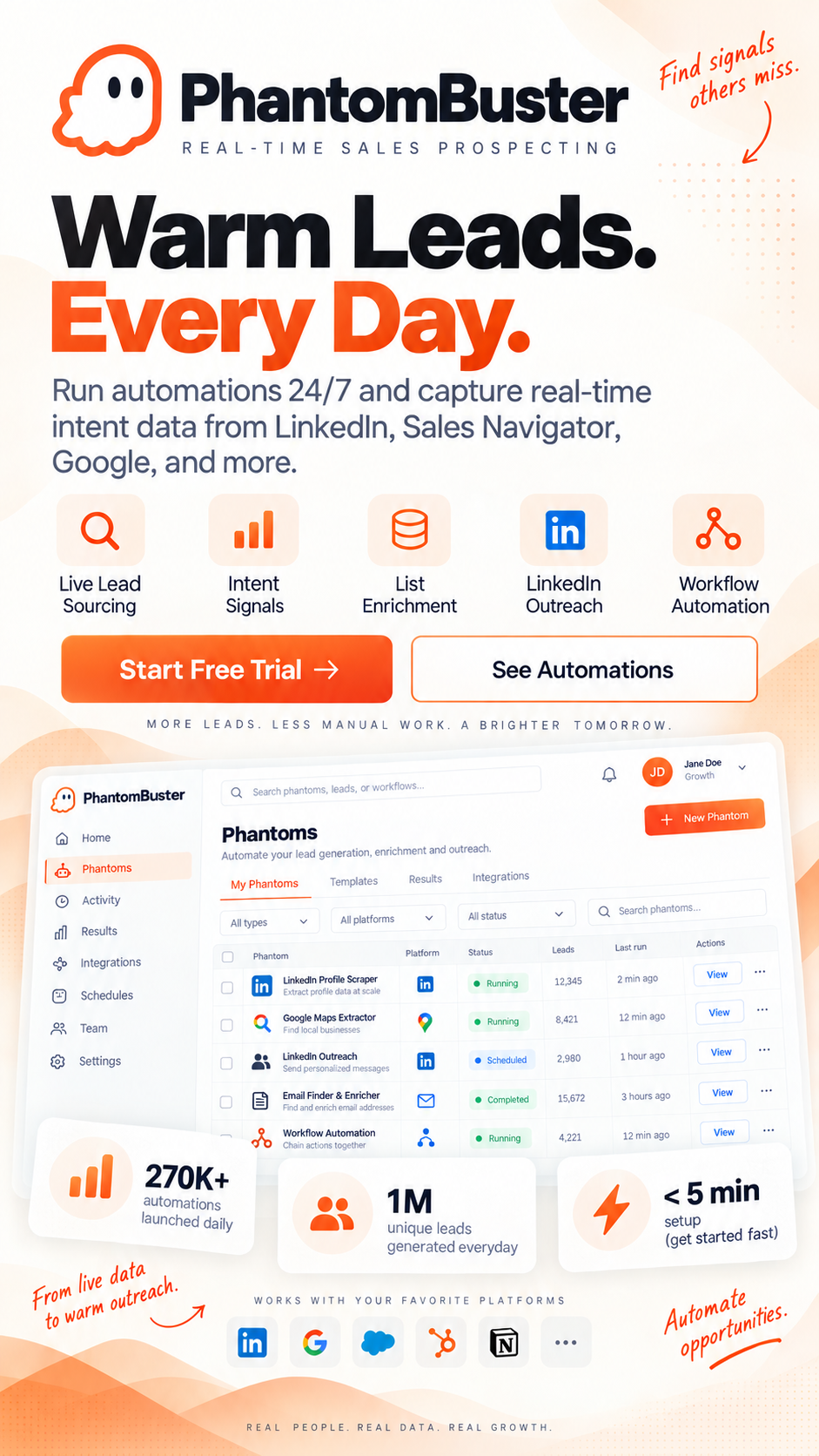
PhantomBuster is a cloud-based automation tool that runs pre-built scripts ("Phantoms") to extract data from LinkedIn, Google Maps, Twitter/X, Instagram, and other websites. It's widely used for LinkedIn scraping, automated connection requests, and building prospect lists from public web data.
Because it runs in the cloud rather than through a local browser extension, PhantomBuster became popular with growth marketers and agencies who wanted lightweight LinkedIn automation without heavy setup. It positions itself as a flexible scraping and automation layer that plugs into a broader sales prospecting stack, rather than a single end-to-end platform.
PhantomBuster Pricing and Limitations: What to Know Before You Commit
PhantomBuster runs on a subscription tied to automation execution time, essentially how many minutes your Phantoms run each month. As your scraping and outreach volume grows, you move up tiers and the monthly cost climbs. The nuance most teams miss: you're paying for machine runtime, not results. A Phantom that scrapes 5,000 profiles costs the same whether those profiles produce zero meetings or fifty. Pricing tiers change, so check PhantomBuster's pricing page directly before committing.
Beyond pricing, these are the trade-offs that most often push teams toward alternatives:
- No built-in qualification. PhantomBuster extracts data but doesn't tell you which contacts fit your offer. The filtering work lands on you.
- LinkedIn account risk at scale. LinkedIn has sharpened its detection of third-party automation. High-volume scraping and connection requests carry a real risk of restrictions.
- Manual cleanup. Raw exports usually need enrichment, deduplication, and email verification before a rep can use them.
- Extraction-first design. For teams using it primarily as a scraping layer, sequencing and CRM sync typically live in separate tools.
None of this makes PhantomBuster a bad tool. It just marks the point where many teams outgrow it. I've consolidated the PhantomBuster trade-offs into this one section so the rest of the article can focus on what to use instead.
PhantomBuster Alternatives: Side-by-Side Feature Comparison
Ready to build a targeted prospect list? Agencies use Leads Sniper to pull local business data by category and location in minutes. Build your first lead list today.
Detailed Reviews of the Best PhantomBuster Alternatives
Apollo.io - Best Overall
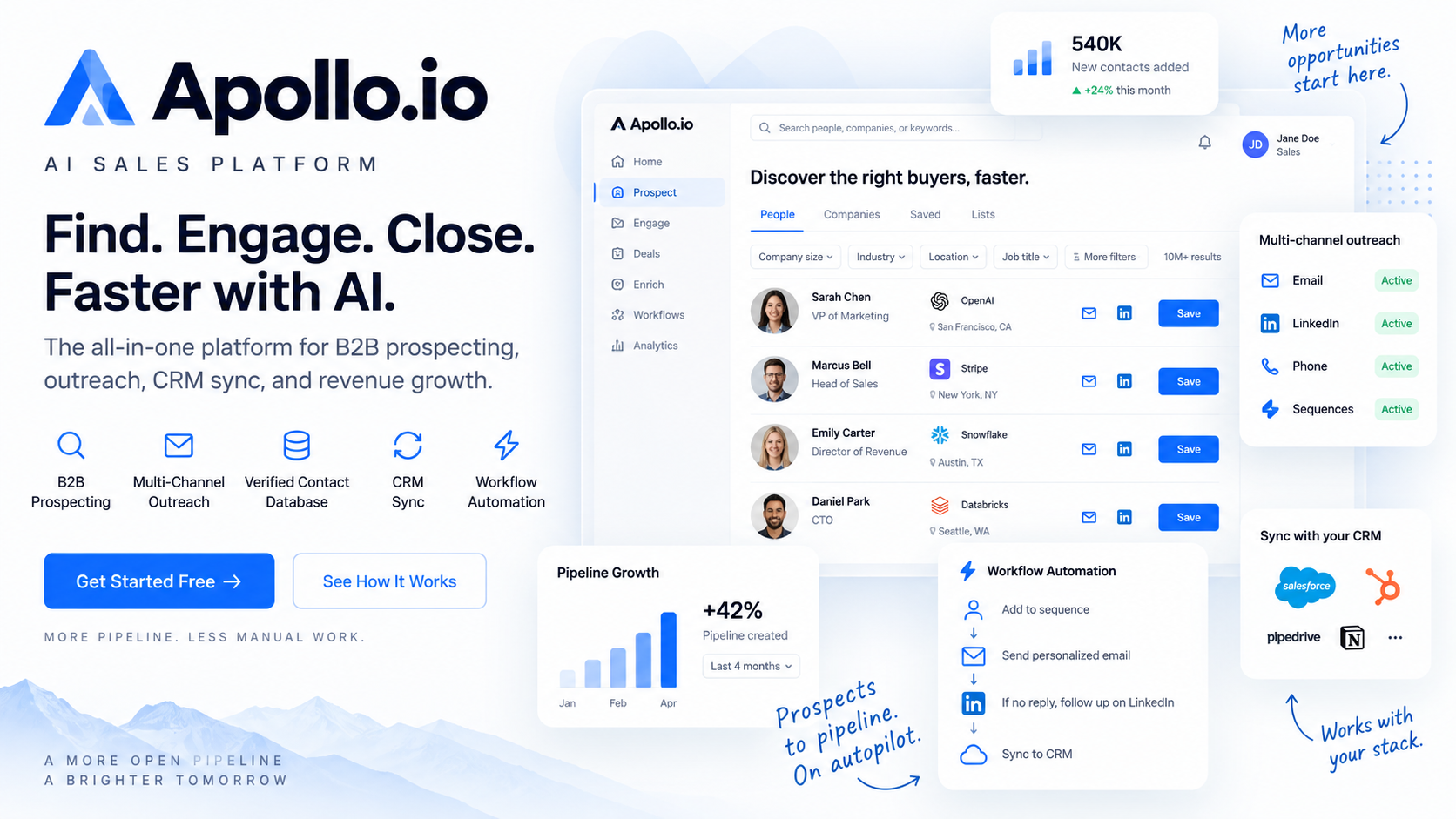
Picture a mid-sized SaaS company with a two-person outbound team. They need VP-level decision-makers at Series B and C companies in the US, enriched with verified emails and direct dials, enrolled in a six-step sequence, and synced back to Salesforce. Doing that with separate tools means three subscriptions, three logins, and three points of failure. Apollo rolls all of it into one.
Compared to PhantomBuster, the difference is where the workflow ends. PhantomBuster hands you a CSV; Apollo hands you a filtered list, an outreach sequence, and reporting in the same place. Its large contact database is the foundation, and while no B2B database is perfect, Apollo actively refreshes records and lets users flag stale data. Coverage is strongest in North America and Western Europe.
The honest limitation: Apollo's breadth is also its complexity. Teams that only need a data source will pay for sequencing, dialing, and scoring they won't use. And like any large database, accuracy varies. Verify before you dial, especially for smaller and international companies.
Mini take-away: If you want one platform to replace scraping and the tools that come after it, Apollo is the most complete upgrade.
Clay - Best for Custom Enrichment Workflows
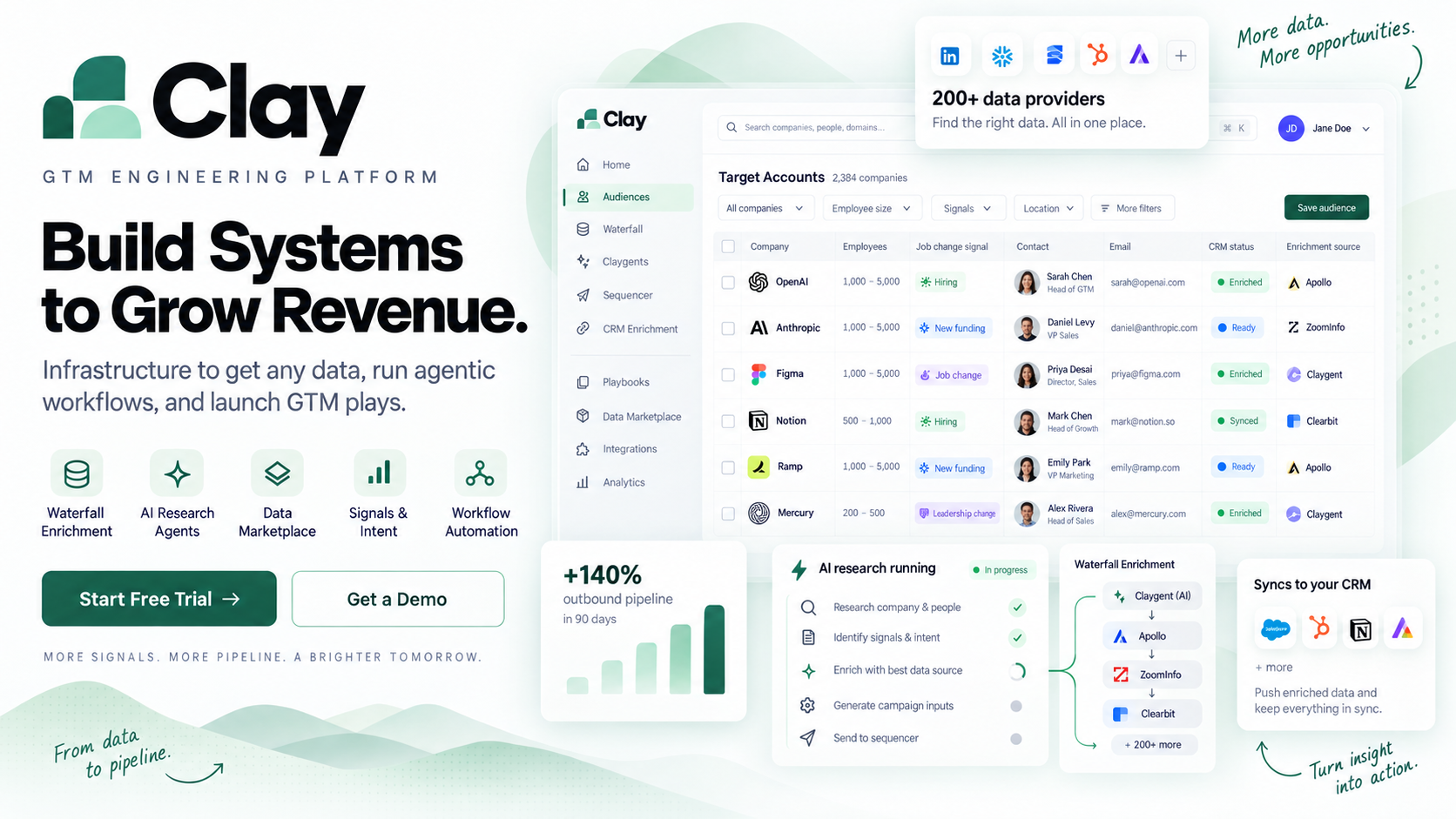
Here's a workflow that shows why Clay is different. Say you have 8,000 companies from a trade show list. You want to know which ones have more than 50 employees, are hiring for sales roles, run on Salesforce, and have an active LinkedIn company page. No single data provider gives you all of that.
In Clay, you'd import the list, then add enrichment columns one at a time. The "waterfall" approach checks Clearbit for a data point, falls back to Hunter or LinkedIn if it comes up empty, and keeps going until the field is filled. Then you'd add an AI research agent that visits each company's website and pulls a custom detail, say, whether they mention a specific integration. The output is a deeply qualified list no off-the-shelf provider could build for you.
The real cost isn't the price, it's the setup time. Clay rewards people who think in logic and workflows. Teams that get serious value usually have a growth engineer, a RevOps person, or a founder comfortable building pipelines.
Mini take-away: Choose Clay when enrichment quality directly drives your deal outcomes and you have the technical capacity to build.
Apify - Best for Developers
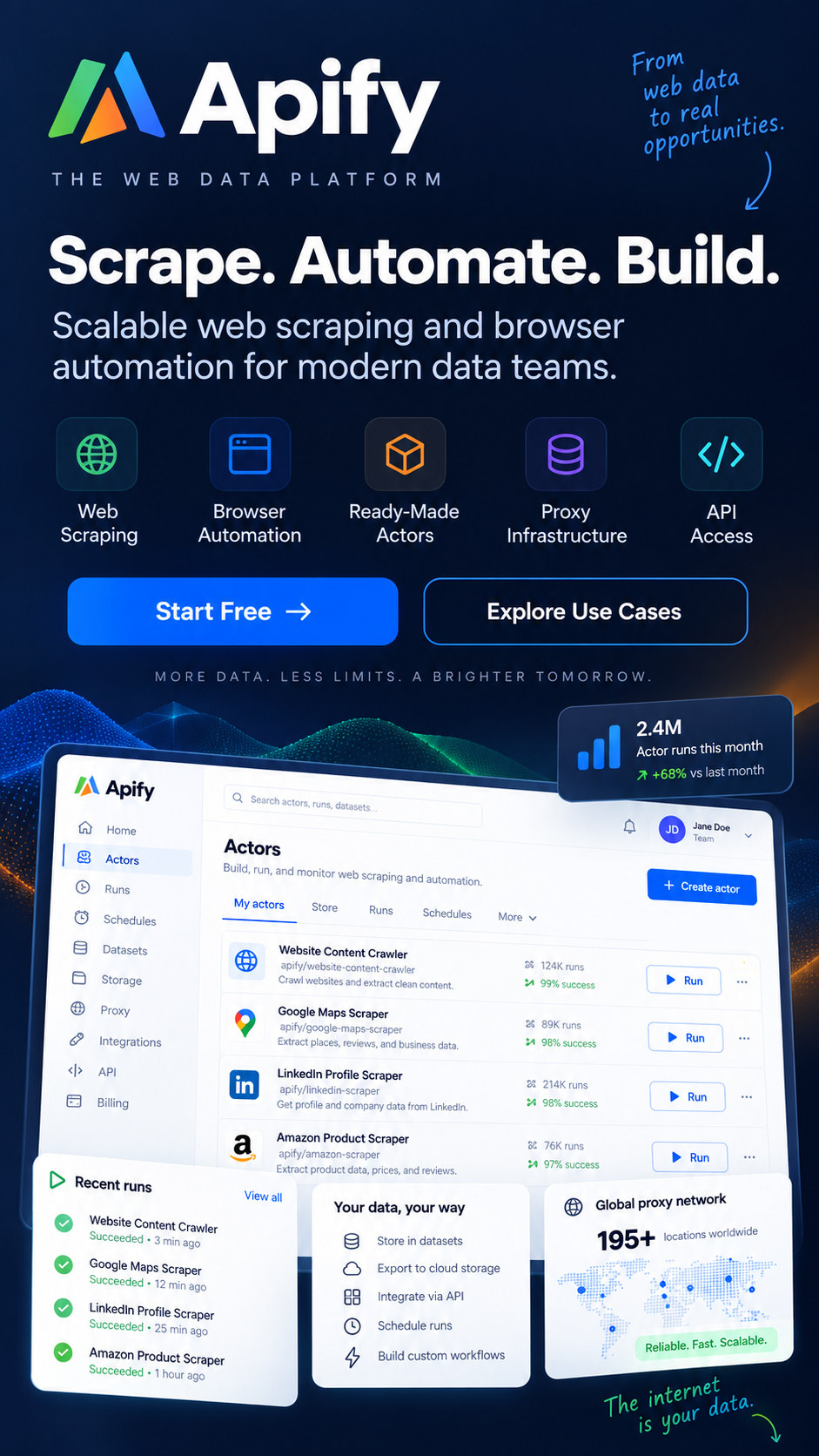
Apify isn't really a lead generation product. It's scraping infrastructure that engineering teams use to build custom pipelines. If PhantomBuster is a pre-built kitchen appliance, Apify is a commercial kitchen. You can build almost anything, but you need to know how to cook.
Rather than sell you on it, here's when not to choose Apify:
- You need a list of HVAC contractors by next Tuesday and don't write code.
- You want packaged output, not raw scraper results to process yourself.
- You have no engineering resource to build, host, or maintain scrapers.
- Your prospecting is occasional, not a repeatable technical pipeline.
If none of those apply, and you have developers who want a scalable, programmable scraping layer, Apify is one of the most flexible options available.
Mini take-away: Apify is a building block for teams that can build, not a replacement for PhantomBuster's ease of use.
TexAu - Best for Multi-Platform Automation
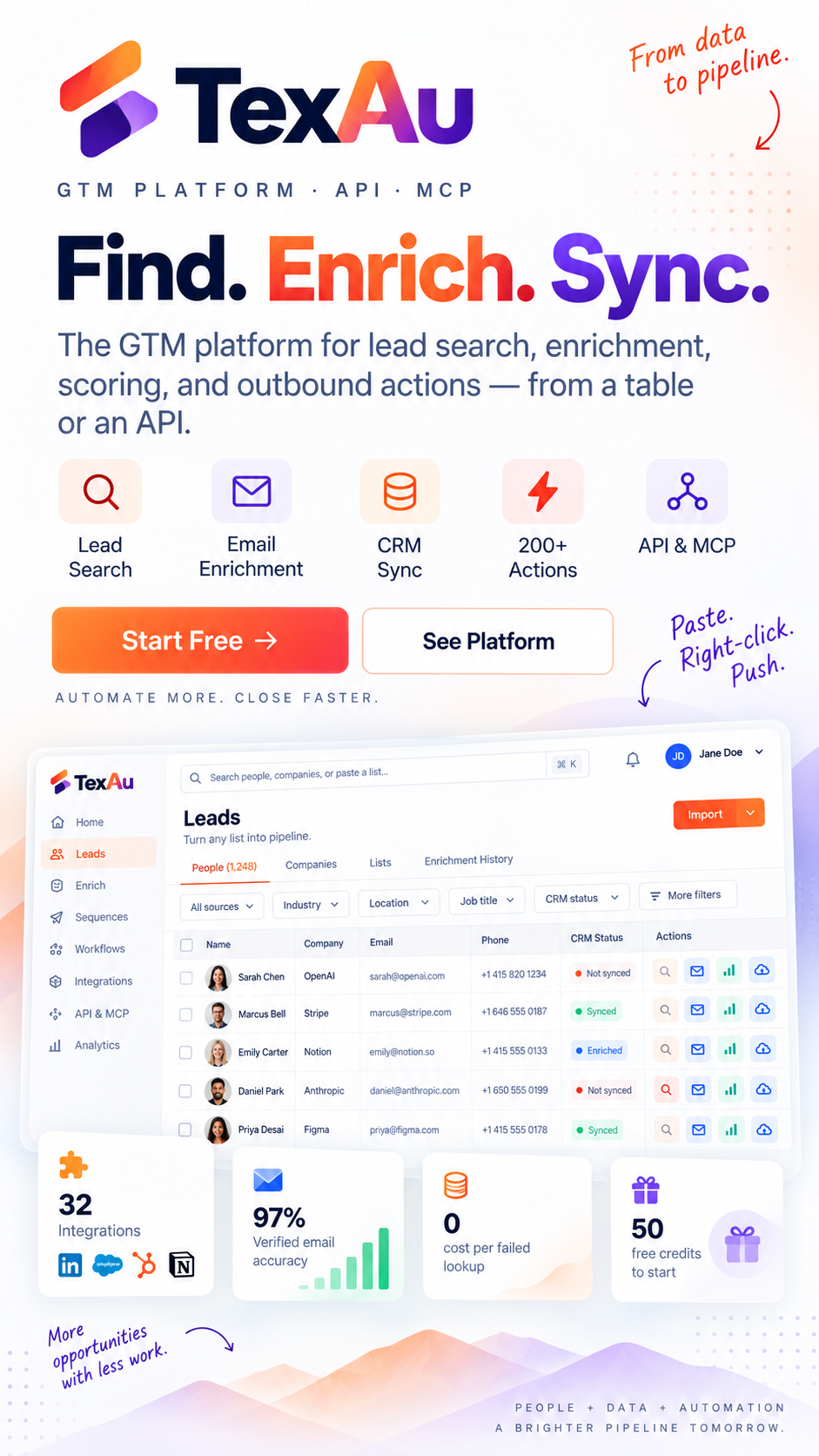
TexAu treats LinkedIn, Twitter/X, and other platforms as equally valid outreach surfaces rather than LinkedIn-first with everything else bolted on. For teams running cross-platform campaigns, connecting on LinkedIn, engaging on Twitter, and pulling an email from a directory, TexAu's "recipe" chaining automates that multi-step flow in one place.
The trade-off is the learning curve. The recipe builder is powerful, but new users often spend real time figuring out how steps connect before their first campaign runs. It's less immediately intuitive than Waalaxy or Expandi.
Mini take-away: Pick TexAu if your outreach genuinely spans several platforms and you're comfortable with workflow-based tools.
Expandi - Best for LinkedIn Automation
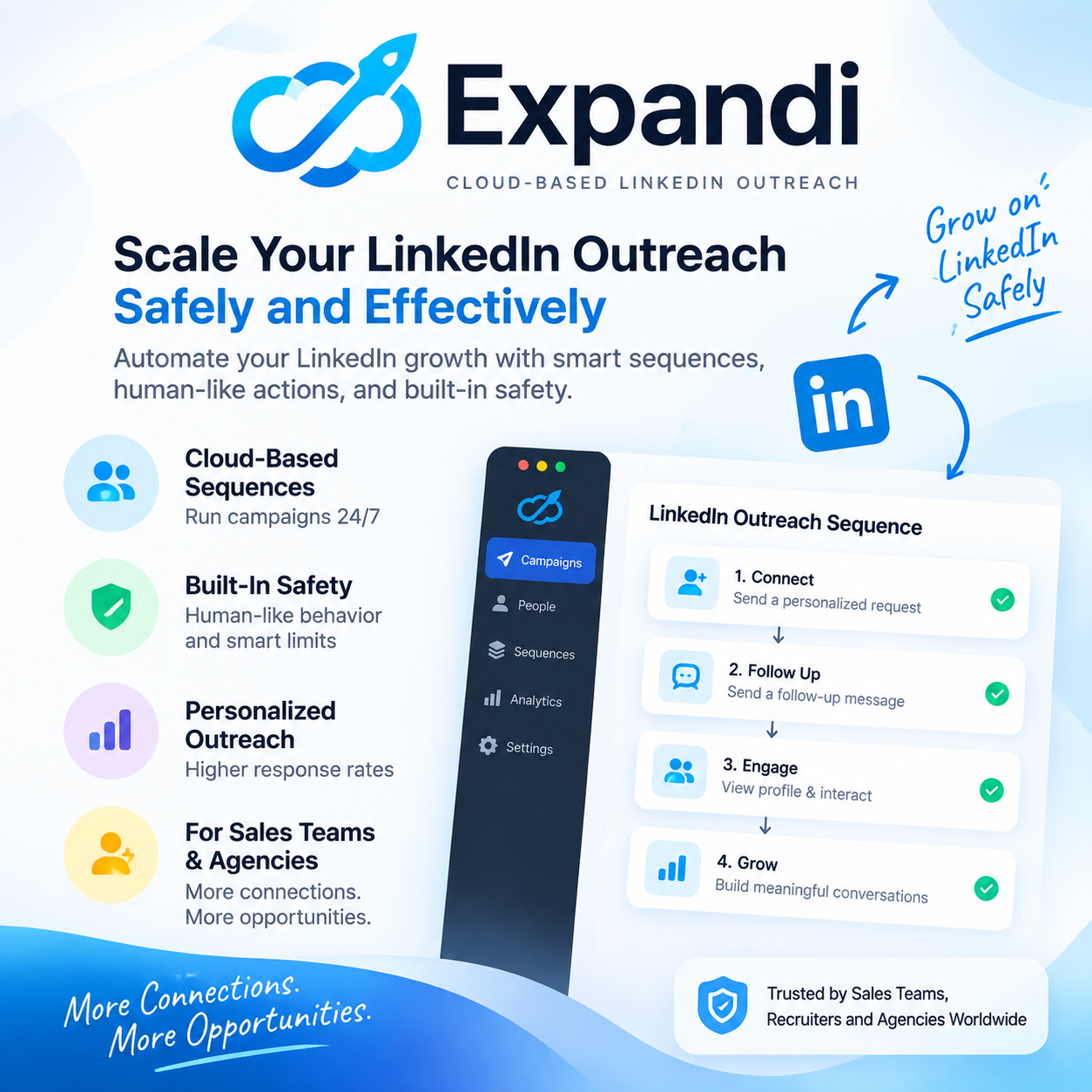
Expandi was built around one anxiety every LinkedIn automation user shares: getting an account flagged. Its cloud-based approach randomizes send timing, enforces daily limits, and adds delays designed to mimic human behavior rather than scripted activity.
For a sales team where each rep's LinkedIn profile is a genuine business asset, with years of connections and relationship history, protecting that account is worth paying for. Expandi charges per seat and gives each rep an independent cloud instance.
The trade-off is scope. Expandi doesn't enrich contacts or pull emails on its own, so most teams pair it with a data provider like Apollo.
Mini take-away: Expandi is the safer choice for LinkedIn-first outbound where account restrictions would be costly.
Waalaxy - Best Free Option for LinkedIn Outreach
If you've never run a LinkedIn campaign, Waalaxy is one of the least intimidating places to start. Import a LinkedIn search, build a sequence with connection requests and follow-up messages, and optionally add an email step. The visual block builder means almost no learning curve.
The honest limit is scale. Teams managing 20-plus campaigns or needing granular analytics will hit a ceiling, and email integration requires connecting an external inbox, which is less polished than dedicated email tools.
Mini take-away: Waalaxy is a friendly on-ramp for solo founders and small teams testing outbound for the first time.
Evaboot - Best for Sales Navigator Users
If you live in LinkedIn Sales Navigator, you know the frustration: careful filtered searches that still export with duplicates, job-changers, and profiles missing any contact info. Evaboot is built entirely to fix that. It cleans exports, removes duplicates, filters out mismatches, and finds email addresses for exported contacts.
It's narrow by design. No outreach, no broader enrichment. But for teams spending hours cleaning exports by hand, it pays for itself quickly.
Mini take-away: Evaboot is a sharp companion tool for Sales Navigator power users, not a full platform.
Captain Data - Best for Repeatable Pipelines
Captain Data approaches lead gen the way a production engineer would: less one-off campaigns, more repeatable pipelines that run reliably. Its no-code builder connects multiple data sources into a single scheduled flow. Unlike PhantomBuster's Phantom-by-Phantom approach, you define a process once and it executes predictably every week.
The setup investment is real. But for an agency that, say, pulls a fresh list of SaaS companies posting new job openings every Monday and enriches them automatically, that one-time setup pays off over months.
Mini take-away: Captain Data suits ops-minded teams that want durable infrastructure over manual, campaign-by-campaign work.
PhantomBuster - Should You Actually Replace It?
Before you switch, it's worth asking whether you should. PhantomBuster does the extraction step well. If you already have a downstream process, someone who enriches, verifies, deduplicates, and qualifies exports before they reach a rep, PhantomBuster slots neatly into that workflow, and its flexibility across LinkedIn, Google Maps, and social platforms is genuinely useful.
You should keep PhantomBuster if:
- You run occasional, one-off scraping projects.
- You have an ops person who handles cleanup and enrichment.
- You want a lightweight cloud script runner, not a full platform.
You should replace it if:
- You want a list you can hand straight to a rep without cleanup.
- Execution-time pricing is climbing faster than your results.
- You need built-in outreach, CRM sync, or a specific data source PhantomBuster doesn't specialize in.
Mini take-away: PhantomBuster is rarely the worst option, but it's rarely the best one once your prospecting process matures beyond raw extraction.
Leads Sniper - Best for Local Business Leads
Here's a real-world scenario. A marketing agency needs targeted lists for three clients this week: plumbing contractors in Chicago, dentist offices in Miami, and IT service companies in Atlanta. Doing that in PhantomBuster means configuring separate scrapes, exporting, and cleaning each set, then paying a monthly subscription that grows with usage.
With Leads Sniper, the same agency searches by business category and location, then exports structured business data: name, category, address, phone, website, ratings, and available contact information. The tools are purpose-built for Google Maps, Google Search, and Yellow Pages data, so the output arrives in a consistent, usable format.
The one-time payment model is the real differentiator. Most 2026 lead gen tools run monthly subscriptions that compound as your team grows. Leads Sniper charges once per tool, with volume discounts that scale well for agencies managing multiple client accounts. (Pricing changes, so confirm current figures on the Leads Sniper site before buying.)
What it doesn't do is LinkedIn. If your prospecting depends on finding individuals by name and job title or running connection campaigns, Leads Sniper isn't built for that, and it doesn't pretend to be. It's a business directory data tool. Exports are structured and searchable, but they still benefit from a qualification step before outreach.
Mini take-away: Leads Sniper is the most direct fit for agencies and B2B teams whose prospecting lives on Google Maps and directories, without a recurring subscription eating into margin.
PhantomBuster vs Leads Sniper: Head-to-Head
For teams whose prospecting centers on business and local data, this is the comparison that actually matters.
The core distinction: PhantomBuster is a general-purpose scraping and automation layer that spans LinkedIn and social platforms. Leads Sniper is narrower and deeper, built specifically around business directory and local data sources, with a one-time price. Neither delivers manually verified contacts; both produce extracted data that benefits from a qualification step before your reps reach out.
PhantomBuster vs Apollo: Which Should You Choose?
This is the most common upgrade path, and the choice comes down to how much of the funnel you want in one tool.
PhantomBuster gives you flexible extraction across LinkedIn and the open web, then leaves enrichment, sequencing, and CRM sync to other tools. Apollo replaces that whole chain: you filter a large contact database by ICP, enrich, sequence, and sync to Salesforce or HubSpot, all in one subscription.
- Choose PhantomBuster if you want a lightweight scraping layer and already own the tools that come after it.
- Choose Apollo if you want to consolidate your stack and run a complete outbound motion from a single platform.
PhantomBuster vs Apify: Which Should You Choose?
Both scrape the open web, but they serve very different users.
PhantomBuster is packaged for marketers, with pre-built Phantoms and no code required. Apify is infrastructure for developers, offering a marketplace of "Actors" plus the ability to build and host custom scrapers with full API access.
- Choose PhantomBuster if you want ready-to-run scrapers without engineering support.
- Choose Apify if you have developers and need a scalable, programmable scraping backend for custom pipelines.
For most non-technical sales and marketing teams, Apify is more power than they can use, and PhantomBuster (or a packaged tool like Leads Sniper for local data) is the more practical pick.
Best PhantomBuster Alternative for Google Maps Lead Generation: Leads Sniper
If your PhantomBuster use case is specifically Google Maps and local business data, this is where a purpose-built tool pulls ahead.
A typical PhantomBuster Google Maps workflow looks like this:
Google Maps > scrape businesses > export > clean data > find websites > extract emails
Each step is a separate configuration, and the monthly subscription runs whether you scrape once or fifty times. Leads Sniper collapses that same workflow into a product built around it. You search by category and location, and the Google Maps, Search, and Yellow Pages tools return structured business data, with a domain email extractor to pull contact info from the websites you find.
Concrete example: Need 2,000 roofing companies in Texas? In Leads Sniper, you'd search "roofing companies" across Texas cities and export business name, address, phone, website, rating, review count, and available contact details, then run the domain email extractor on those sites to fill in emails.
[Screenshot: Leads Sniper Google Maps search for "roofing companies in Texas" with results list]
[Screenshot: Exported CSV showing 2,000 roofing company records with contact fields]
For a PhantomBuster replacement focused on local and directory data rather than LinkedIn, this is the more direct fit, and the one-time price means the cost doesn't grow every month you use it.
Prospecting local businesses on Google Maps? See how Leads Sniper finds prospects by category and location, with unlimited leads and no monthly fee.
Best PhantomBuster Alternatives by Use Case
Quick answers for the most common situations:
- Best overall: Apollo.io, data, outreach, and CRM in one platform.
- Best for custom enrichment: Clay, deeply qualified lists for technical teams.
- Best for LinkedIn automation: Expandi, account safety built into the pacing.
- Best for local business leads: Leads Sniper, Google Maps, Search, and Yellow Pages data, one-time price.
- Best for developers: Apify, programmable scraping infrastructure.
- Best free option: Waalaxy for LinkedIn outreach; Apollo's free plan for data plus outreach.
Which Tool Should You Switch To? A Decision Framework
Work through these questions in order and stop at the first "yes."
- Do you mainly prospect local businesses on Google Maps or directories? Switch to Leads Sniper. It's purpose-built for that data, with a one-time price.
- Do you want data, outreach, and CRM sync in one platform? Switch to Apollo.io. It replaces scraping and the tools after it.
- Do you have a technical team and need custom-enriched lists? Switch to Clay for enrichment, or Apify if you need to build scrapers.
- Is LinkedIn your primary channel and account safety a priority? Switch to Expandi, paired with a data provider.
- Are you a solo founder testing outbound for the first time? Start with Waalaxy (LinkedIn) or Apollo's free plan (data + outreach).
- Do you run the same high-volume motion every week? Consider Captain Data for repeatable pipelines, or Evaboot if you live in Sales Navigator.
If you got here without a clear "yes," you probably don't need to replace PhantomBuster yet. You need a better process for what you do with the data after it's scraped.
Frequently Asked Questions
What are the best PhantomBuster alternatives?
The right alternative depends on what PhantomBuster isn't giving you. Apollo.io is the most direct upgrade for all-in-one data and outreach. Clay is the strongest choice for custom enrichment. Apify suits developers who need scraping infrastructure. Expandi is built for safe LinkedIn outreach. And Leads Sniper is purpose-built for structured business contact data from Google Maps, Google Search, and Yellow Pages, without a recurring subscription.
Is there a free PhantomBuster alternative?
Yes. Apollo.io and Waalaxy both offer free plans with limited features. Most dedicated scraping and enrichment tools, including Leads Sniper, run on paid models, though many offer trials so you can test output quality before buying.
Is PhantomBuster good for lead generation?
PhantomBuster is useful for the extraction stage, but it doesn't qualify, verify, or score leads on its own. Teams typically pair it with a separate enrichment, outreach, or CRM tool to turn scraped data into a usable pipeline.
What is better than PhantomBuster?
"Better" depends on the gap you're closing. Apollo.io is better if you want built-in outreach and CRM sync. Clay is better when enrichment quality matters more than scraping speed. Expandi is better for LinkedIn account safety. And Leads Sniper is better for building local business lists from Google Maps and directories on a one-time payment.
Does PhantomBuster provide verified leads?
No. PhantomBuster extracts data from public sources through automated scripts. It doesn't include a built-in verification step to confirm lead accuracy or fit.
What tools compete with PhantomBuster?
Direct competitors include Apollo.io, Clay, Apify, TexAu, Expandi, Waalaxy, Evaboot, Captain Data, and Leads Sniper, each covering a different piece of the lead generation and outbound process.
Can PhantomBuster replace a lead generation agency?
PhantomBuster automates data collection, but it doesn't replace the qualification, verification, and strategy work an agency provides. Teams needing sales-ready leads still need a qualification layer, whether internal or external.
Which PhantomBuster alternative is best for B2B companies?
Apollo.io is the strongest fit for B2B sales teams wanting one platform end-to-end. Leads Sniper is the better fit for B2B companies targeting local businesses and service providers found through directory search rather than LinkedIn.
Is Leads Sniper better than PhantomBuster?
They serve different jobs. PhantomBuster focuses on LinkedIn and social automation; Leads Sniper focuses on Google Maps, Google Search, Yellow Pages, and domain email extraction, with a one-time price. If your targets are on LinkedIn, PhantomBuster is more relevant. If your targets are local businesses or directory listings, Leads Sniper is the more practical, cost-predictable fit.
Stop Building Lists. Start Booking Meetings.
Most scraping tools make it easy to collect names, not to find the right businesses to reach out to. If your prospecting centers on local businesses, service providers, and companies that show up in directories rather than on LinkedIn, Leads Sniper gives you a faster way to build targeted, structured contact lists without adding another monthly subscription to your stack.
Build your first lead list today or book a free strategy call to see whether Leads Sniper fits your prospecting workflow.