If you've ever tried to build a targeted lead list from Google Maps, you've probably come across Outscraper. It's one of the most widely used tools for pulling business data, including names, addresses, phone numbers, and reviews, directly from Google's business listings. But Outscraper isn't the only option, and it isn't always the right fit for every team.
Whether you're running into pricing friction, need better email enrichment, or just want a tool that fits your specific workflow, there are several strong alternatives worth considering. This outscraper vs leads sniper guide breaks down what Outscraper does well, where it falls short for certain use cases, and which tools might serve you better depending on your goals. By the end, you'll have a clear picture of the top options on the market and a practical framework for choosing the right one for your business.
What Is Outscraper?
Outscraper is a data extraction platform built primarily around scraping Google Maps listings at scale. Users can pull business names, addresses, phone numbers, websites, ratings, review counts, and operating hours from thousands of listings in a single search. It's commonly used by marketing agencies, sales development teams, and local SEO consultants who need bulk business data for cold outreach, market research, or competitive analysis.
Beyond Google Maps, Outscraper also offers scrapers for other platforms like Yelp, Trustpilot, and various review sites, along with some data enrichment features such as email and phone lookups. It operates on a pay-as-you-go credit system, which appeals to users who scrape infrequently but can add up quickly for high-volume users.
The typical workflow looks like this: a user defines a search (for example, "dentists in Austin, TX"), Outscraper pulls the matching listings, and the results export as a spreadsheet ready for import into a CRM or outreach tool. It's a straightforward process, which is part of why the tool has built such a loyal user base.
Why Look for Outscraper Alternatives?

Outscraper works well for many users, but it's not without limitations. Here are the most common reasons people start exploring other options.
Pricing at scale. Outscraper's credit-based pricing model means costs scale directly with usage. For teams running large or frequent scraping jobs, this can become expensive compared to flat-rate or subscription-based competitors.
Data enrichment gaps. While Outscraper offers basic email and phone enrichment, some users find the match rates inconsistent, particularly for smaller local businesses that have limited digital footprints. Teams that rely heavily on verified email addresses for outreach sometimes need a dedicated enrichment tool to fill these gaps.
Workflow integration. Outscraper is primarily a data extraction tool, not a full sales workflow platform. Users who want built-in list management, CRM syncing, or campaign sequencing often need to stitch together multiple tools, which adds complexity.
Learning curve for advanced features. Some of Outscraper's more powerful capabilities, like custom API queries, require a degree of technical comfort that not every marketer or small business owner has.
These aren't necessarily flaws—they're trade-offs. But they're worth understanding before you commit to a tool, especially if your use case leans heavily on any one of these factors.
How We Evaluated Outscraper Alternatives
To make this comparison useful, we assessed each tool against four criteria that matter most for real-world lead generation and scraping work:
- Data quality and accuracy
- How reliable and up-to-date is the extracted business data?
- Feature set
- Does the tool offer email finding, phone enrichment, filtering, or export flexibility?
- Pricing structure
- Is the pricing predictable, and does it scale reasonably with usage?
- Ease of use and scalability
- Can both technical and non-technical users operate the tool effectively, and does it hold up for larger data pulls?
With these criteria in mind, here's a closer look at some of the strongest alternatives on the market.
Best Outscraper Alternatives
1. Apify
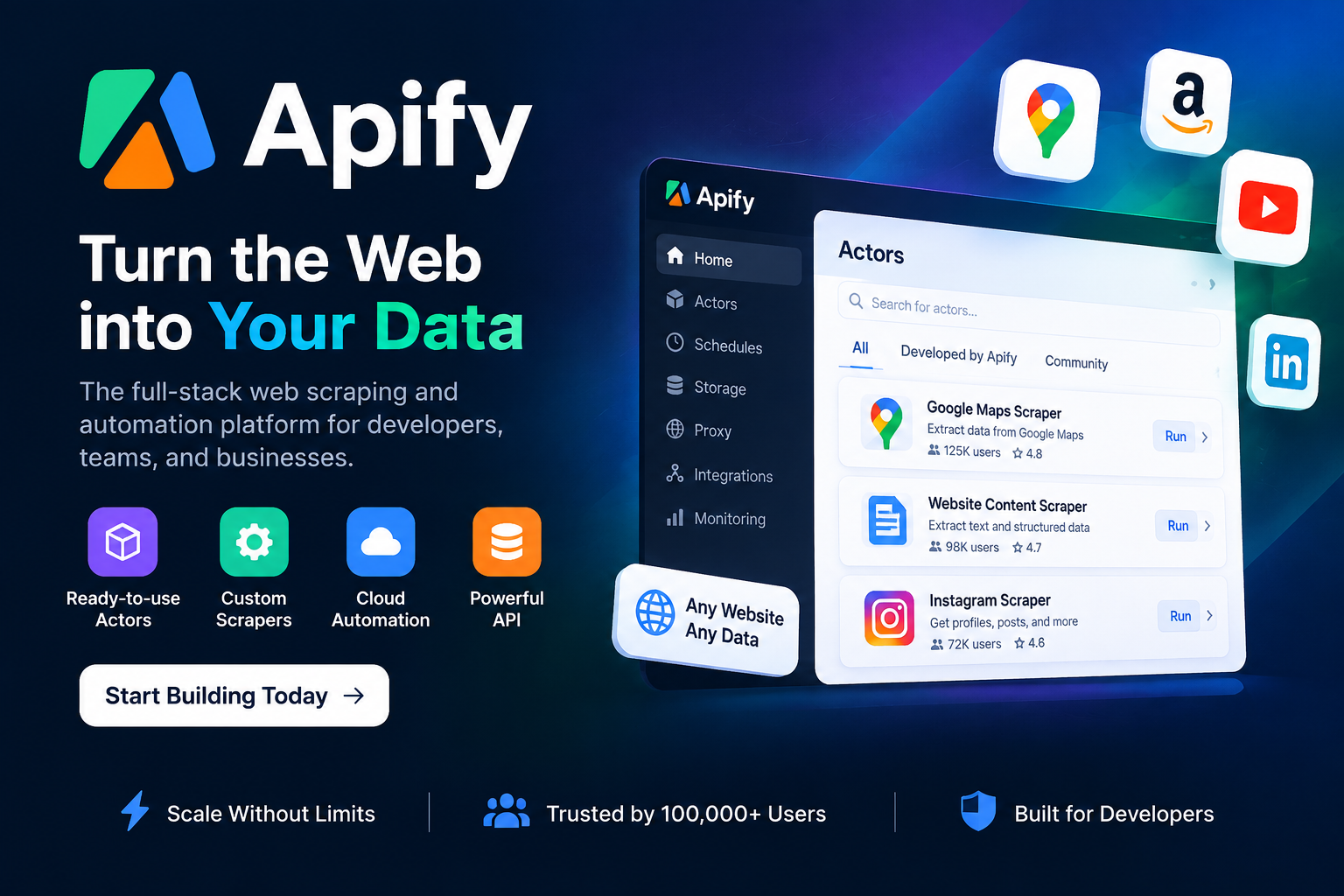
Overview: Apify is a broader web scraping platform that hosts a marketplace of pre-built "actors," including several designed specifically for Google Maps extraction. It's popular among developers and technical teams who want flexibility beyond a single-purpose tool.
Key Features:
- Access to a large marketplace of scraping templates
- Custom scraper development using Apify's SDK
- Cloud-based scheduling and automation
- API access for integration into existing workflows
Pros: Highly customizable, strong developer community, scales well for complex projects.
Cons: Steeper learning curve for non-technical users; costs can rise with heavier compute usage.
Best For: Development teams and technically proficient users who need a flexible scraping infrastructure beyond Google Maps alone.
2. Octoparse
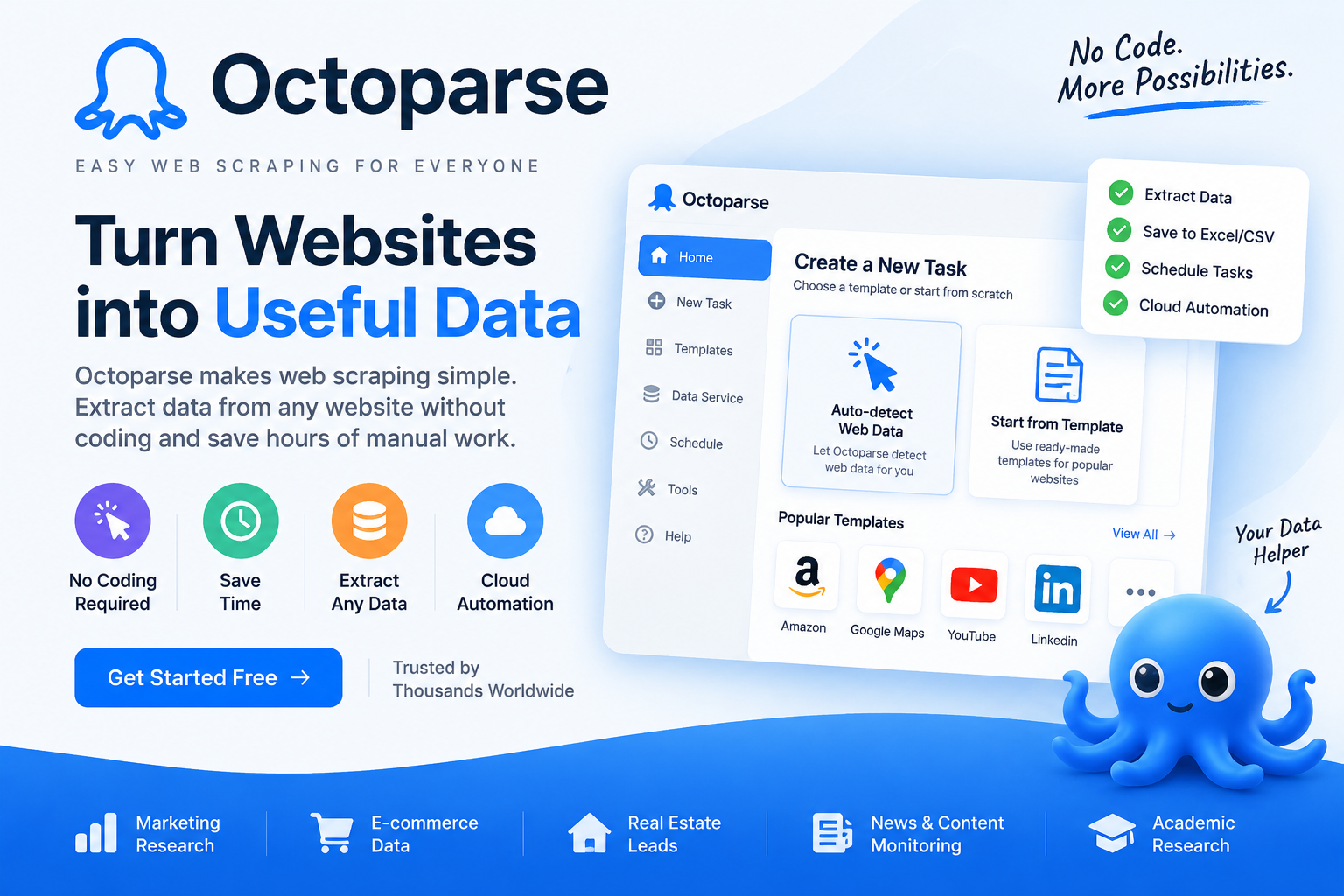
Overview: Octoparse is a no-code scraping tool with a visual point-and-click interface, making it accessible to users without programming experience.
Key Features:
- Visual workflow builder for setting up scrapers
- Pre-built templates for popular sites, including Google Maps
- Cloud extraction for larger jobs
- Scheduled scraping tasks
Pros: Beginner-friendly, good for one-off or occasional scraping needs, solid template library.
Cons: Can be slower for very large datasets; some templates require manual tweaking to stay accurate.
Best For: Small business owners or marketers who want an easy, visual way to scrape data without writing code.
3. PhantomBuster

Overview: PhantomBuster is best known for LinkedIn automation, but it also offers Google Maps scraping capabilities alongside broader lead generation "phantoms" (automations) for social platforms.
Key Features:
- Pre-built automations for Google Maps, LinkedIn, and other platforms
- Data enrichment add-ons
- Integration with popular CRMs and Zapier
- Sequential automation chaining (combine multiple phantoms into a workflow)
Pros: Great for teams already using PhantomBuster for LinkedIn outreach; strong automation chaining.
Cons: Google Maps scraping is more of a secondary feature than its core focus, so depth is limited compared to dedicated tools.
Best For: Sales teams that want Google Maps data alongside broader multi-channel prospecting automation.
4. Scrapfly
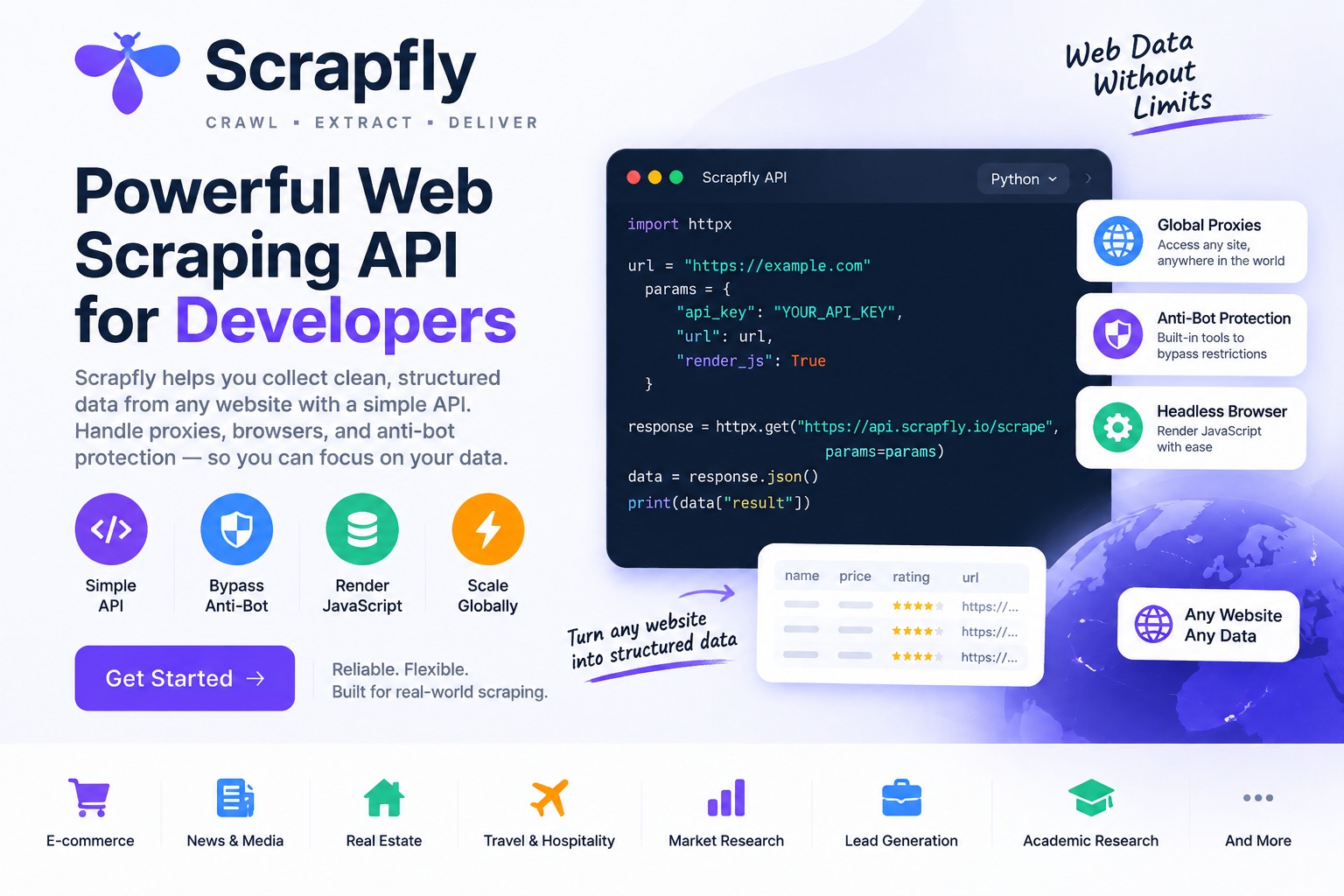
Overview: Scrapfly is a developer-focused scraping API that handles anti-bot measures and proxy rotation, making it suitable for teams building custom scraping pipelines.
Key Features:
- Anti-bot bypass and proxy management
- API-first architecture
- Support for JavaScript-rendered pages
- Detailed documentation for custom integrations
Pros: Reliable for high-volume, technically demanding scraping projects.
Cons: Requires coding knowledge; not designed for non-technical users who want a simple interface.
Best For: Engineering teams building custom internal tools that need dependable scraping infrastructure.
5. Instant Data Scraper

Overview: A free browser extension that captures data directly from web pages, including Google Maps results, without requiring an account or subscription.
Key Features:
- Free to use
- Simple browser-based extraction
- Automatic table detection for structured data
- CSV export
Pros: No cost, quick to set up, good for small, occasional scraping tasks.
Cons: Limited scalability, no enrichment features, and less reliable for large or repeated data pulls.
Best For: Freelancers or individuals with light, infrequent scraping needs and no budget for paid tools.
6. Leads Sniper (Featured Alternative)
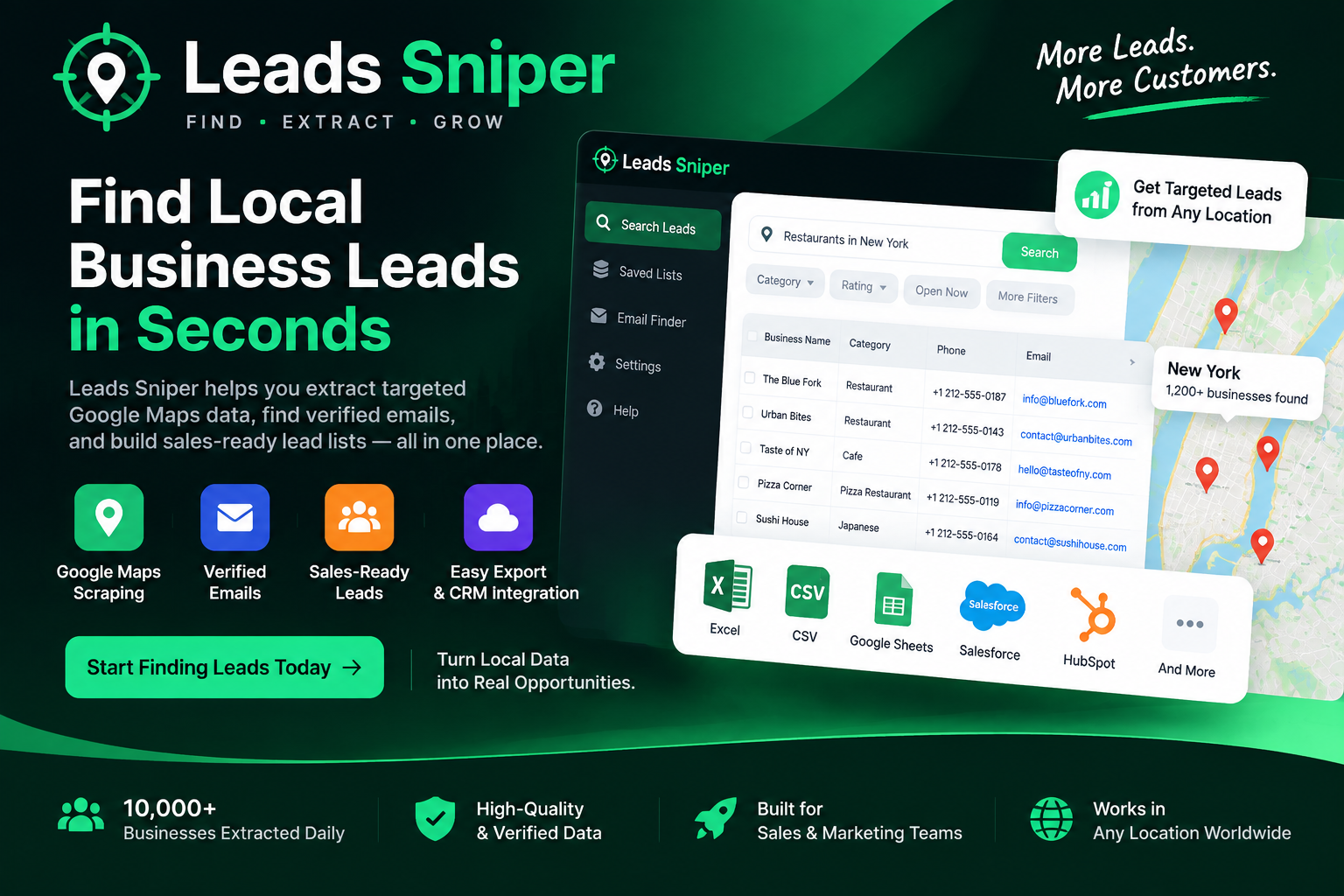
Overview: Leads Sniper is a lead generation tool built specifically around Google Maps data extraction and outbound sales workflows. Unlike general-purpose scrapers, it focuses on delivering ready-to-use lead lists optimized for sales and marketing. This makes it especially well-suited for agencies and teams focusing on local SEO and outbound efforts.
Why Agencies Choose Leads Sniper Over Outscraper:
- Less Technical Setup: Agencies often lack the time or resources to manage complex scraping tools. Leads Sniper simplifies the process with an intuitive interface, eliminating the need for extensive configuration or technical know-how. This makes it ideal for teams that want quick results without technical barriers.
- Faster Prospect Discovery: Leads Sniper streamlines the process of finding and qualifying prospects by integrating location-based and category-specific targeting directly into its search options. Instead of running multiple unstructured scrapes, users can pinpoint high-value prospects in minutes.
- Built for Local SEO Prospecting: For agencies handling local business clients, Leads Sniper offers essential features like real-time Google Maps data and built-in filters for local markets. This eliminates the guesswork from identifying businesses that meet specific geographic and niche criteria, aligning perfectly with local SEO campaigns.
- Integrated Email Enrichment: While some tools rely on basic data extraction, Leads Sniper includes advanced email verification and enrichment capabilities as part of its workflow. This ensures exported lists are not just raw data but actionable leads with verified contact details.
- Agency-Friendly Workflow Design: Leads Sniper is designed with agency teams in mind. Its automation options minimize manual data handling, and CRM-ready exports ensure seamless integration with established marketing or sales pipelines. This reduces administrative workload and enables quicker outreach.
- Export Options Tailored for Sales: Unlike tools designed for analyzing raw datasets, Leads Sniper focuses on creating outputs tailored for outreach. Its CSV and Excel formats are structured for immediate use in CRMs and email sequencing tools, streamlining the path from extracted data to actionable campaigns.
Key Features:
- Google Maps business data extraction with pinpoint location and keyword filtering
- Advanced email finding to enrich and verify contact details for outreach
- User-friendly interface to cut down on technical setups
- CRM-compatible export formats for easier team adoption and workflow integration
- Predictable pricing with subscription-based plans, ideal for consistent use
Pros: Purpose-built for the specific needs of sales and lead generation workflows. Its focus on usability and enriched output makes it a standout choice for agencies and businesses prioritizing outreach efficiency.
Cons: Limited to Google Maps as its primary data source, making it less suited for teams requiring data across diverse platforms.
Best For: Agencies, marketers, and sales teams focused on high-quality lead generation, especially those working within local SEO workflows or targeting geographic-specific niches.
Key Features:
- Google Maps business data extraction with location and category filtering
- Built-in email finding to help fill enrichment gaps
- Export formats designed for direct use in outreach and CRM tools
- Straightforward pricing structure aimed at predictable costs for regular users
Pros: Purpose-built for sales and lead generation use cases, which can simplify the path from data extraction to outreach. The focus on Google Maps means less feature bloat for users who don't need scraping across dozens of other platforms.
Cons: Less suited for teams that need to scrape a wide variety of non-Maps data sources, since its focus is narrower by design.
Best For: Sales teams, agencies, and local business marketers who want Google Maps leads with enrichment built into the same workflow, without assembling multiple tools.
7. DataMiner

Overview: DataMiner is a browser extension and cloud scraping tool that lets users build custom scraping "recipes" for various websites, including Google Maps.
Key Features:
- Recipe-based scraping customization
- Cloud engine for larger extraction jobs
- Scheduling and automation options
Pros: Flexible for users willing to build and refine custom recipes.
Cons: Setup can be time-consuming for first-time users; less intuitive than dedicated Google Maps tools.
Best For: Users who need scraping flexibility across many different websites, not just Google Maps.
8. Scrapingdog
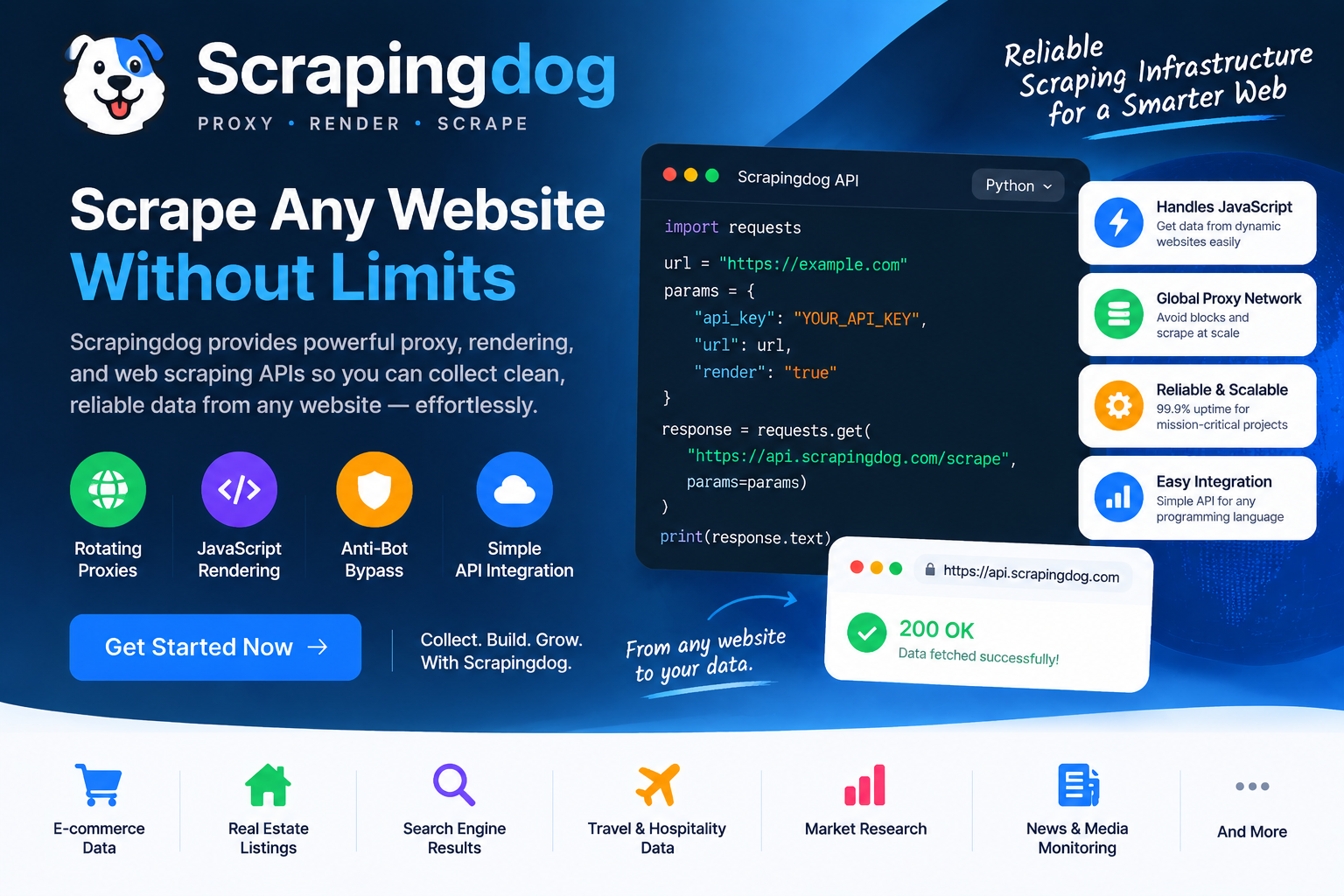
Overview: Scrapingdog offers a suite of scraping APIs, including a Google Maps API endpoint, aimed at developers who want structured data delivered programmatically.
Key Features:
- Dedicated Google Maps API
- Proxy rotation and CAPTCHA handling
- Simple API documentation
Pros: Reliable for developers integrating scraping into existing applications.
Cons: Requires technical setup; not built for non-technical end users.
Best For: Development teams building Google Maps data into a custom application or internal tool.
9. Zenserp
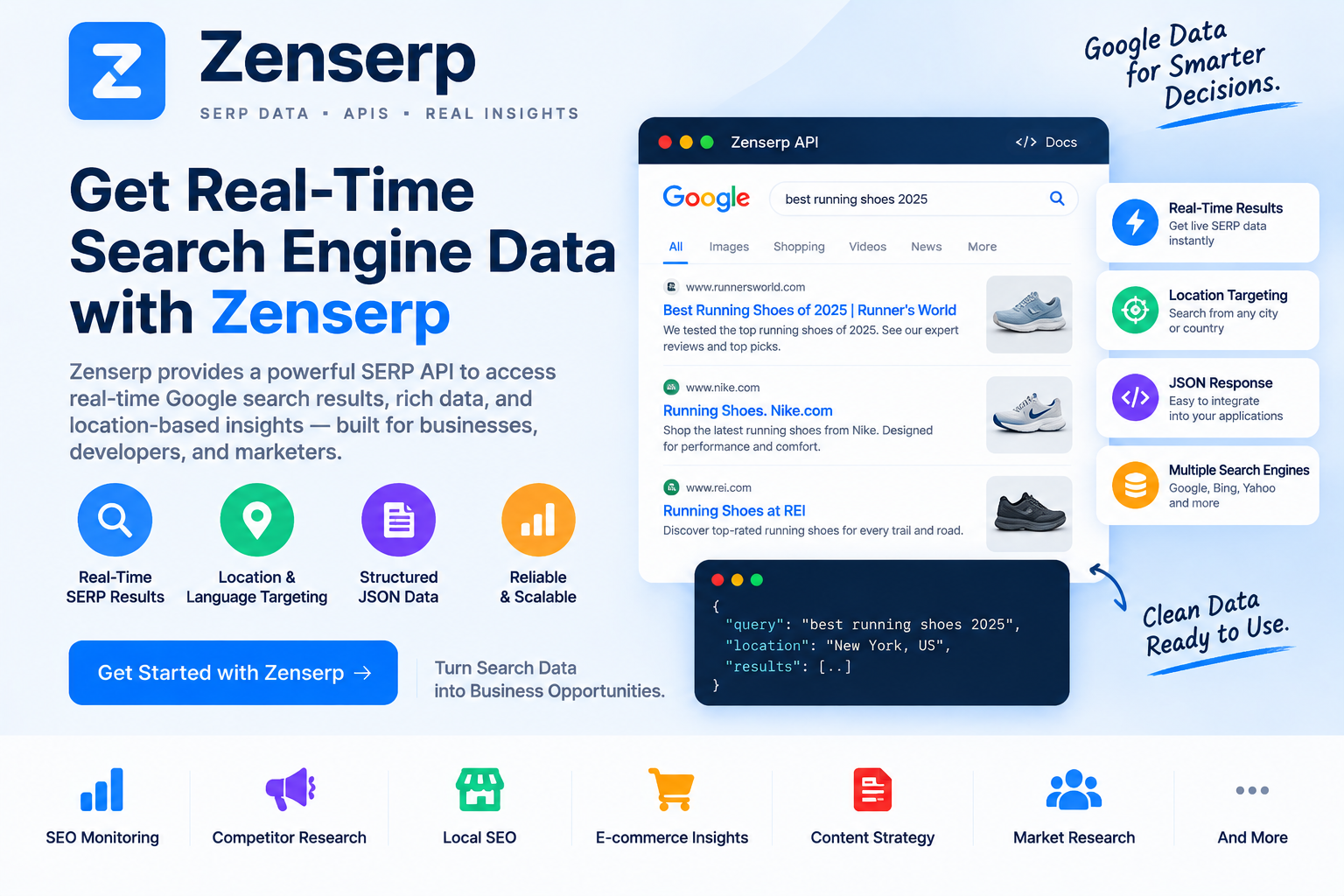
Overview: While primarily known for search engine results scraping, Zenserp also supports local business data extraction relevant to Google Maps-style lead generation.
Key Features:
- API access to search and local business results
- Structured JSON output
- Scalable request handling
Pros: Good for teams already using search data APIs who want to add local business extraction.
Cons: Less specialized for Google Maps specifically compared to dedicated alternatives.
Best For: Teams that need combined search and local data extraction within one API provider.
Comparison Table
Outscraper vs. Leads Sniper
Additional details:
- Workflow Focus: Outscraper is geared towards bulk data extraction and flexibility across various platforms, making it suitable for diverse technical setups. Leads Sniper, however, streamlines lead generation by focusing on Google Maps data enriched for actionable outreach.
- Email Capability: Outscraper provides basic contact details from publicly accessible data but lacks verification rigor. Leads Sniper ensures verified data availability, improving outreach success rates.
- Pricing Flexibility: Outscraper allows pay-as-you-go usage, ideal for infrequent tasks. Leads Sniper’s subscription model benefits consistent users with predictable budgeting.
This table provides a concise yet comprehensive breakdown, aligned with the buying factors important for agencies, marketers, and local SEO professionals.
Workflow Focus
Outscraper functions as a versatile data extraction tool that works well for a variety of platforms, including review sites and directories. It's designed to handle tasks like pulling business information and reviews but lacks built-in sales or marketing workflows.
Leads Sniper, on the other hand, is specifically tailored to help sales teams and marketers transform Google Maps data into actionable lead lists. It minimizes the need for additional tools by incorporating filtering, enrichment, and CRM-ready exports into a single process.
Email Enrichment
Both tools offer email extraction, but Leads Sniper has a distinct advantage in this area. While Outscraper provides basic email and phone lookups, the results often depend on what’s publicly available on business websites, which can result in incomplete data. Leads Sniper includes advanced email enrichment as part of its workflow, increasing the likelihood of verified, usable contact information.
Pricing Model
Outscraper’s credit-based pricing is a double-edged sword: it's great for occasional users, but costs can escalate for high-frequency or large-scale projects. Leads Sniper simplifies budgeting with a subscription-based model that ensures more predictable costs, making it an attractive option for teams with consistent lead generation needs.
Ideal Use Case
Outscraper is more suitable for data professionals, developers, or businesses that need data extraction beyond Google Maps and across multiple platforms. However, for agencies, sales teams, and marketers focused on generating and nurturing high-quality leads specifically from Google Maps, Leads Sniper offers a dedicated, workflow-driven solution.
This table and deep-dive comparison provide a clearer understanding of which tool aligns better with specific business needs, ensuring readers can make an informed decision based on their goals.
Since Leads Sniper is one of the more direct competitors for sales-focused Google Maps scraping, it's worth a closer, factual comparison.
Workflow focus.
Outscraper is built as a general-purpose scraping tool that happens to support Google Maps particularly well, along with several other data sources. Leads Sniper, by contrast, is built specifically around the Google Maps-to-outreach workflow, which means fewer extraneous features but a more streamlined path from search to lead list.
Enrichment.
Both tools offer email finding, but Leads Sniper builds this directly into its core extraction process. This can reduce the number of steps between finding a business and having a usable contact record.
Pricing model.
Outscraper's credit-based system is flexible for infrequent users but can become costly for high-volume, recurring needs. Leads Sniper's more predictable pricing structure tends to suit teams that scrape regularly and want to budget with fewer surprises.
Ideal use case.
If your work spans many data sources beyond Google Maps—review sites, other directories, varied platforms—Outscraper's broader scope may serve you better. If your primary goal is turning Google Maps listings into sales-ready leads efficiently, Leads Sniper's narrower, purpose-built approach is likely to fit more naturally into your process.
Buyer's Guide: Choosing the Right Tool for Your Business
Not every business needs the same thing from a scraping tool. Here's how to think about it based on your role:
Agencies managing multiple clients should prioritize tools with strong export flexibility and enrichment features, since client deliverables often need to move quickly from raw data to outreach-ready lists. Predictable pricing also matters when managing several accounts at once.
Developers building internal tools will likely lean toward API-first options like Apify, Scrapfly, or Scrapingdog, since these platforms are designed for integration into custom applications rather than standalone use.
Startups and lean sales teams often benefit most from tools that reduce the number of steps between data extraction and outreach. A purpose-built option like Leads Sniper can cut down on the need to juggle multiple platforms.
Freelancers and solo marketers with occasional, smaller-scale needs may find free or low-cost tools like Instant Data Scraper sufficient, at least until volume or enrichment needs grow.
Enterprise teams with complex, multi-source data needs might prefer the flexibility of a broader platform like Outscraper or Apify, especially if Google Maps is just one of several data sources in their pipeline.
Frequently Asked Questions
What are the best Outscraper alternatives in 2026?
The best alternative depends on your use case. For most sales teams and agencies, Leads Sniper stands out due to its focus on turning Google Maps data into sales-ready leads. Other strong options include Apify for developers, Bright Data for enterprise scraping, Octoparse for no-code scrapers, and PhantomBuster for multi-channel automation.
Is Leads Sniper better than Outscraper?
For sales-focused users like agencies and marketers, Leads Sniper often provides more value. It simplifies workflows with built-in email enrichment, local SEO targeting, and CRM-friendly exports. Outscraper, on the other hand, is better for general-purpose data scraping and more technical use cases.
Is Outscraper free to use?
Outscraper offers a limited free trial with credits, but ongoing use requires purchasing additional credits based on volume.
Is it legal to scrape Google Maps data?
Scraping publicly available business information is generally lower-risk than scraping personal data, but it's important to review each tool's terms of service and applicable local regulations, as legal considerations vary by jurisdiction and use case.
What's the difference between a scraper and a lead generation tool?
A scraper extracts raw data from a website, while a lead generation tool typically adds enrichment, filtering, and export features designed to make that data immediately usable for outreach.
Can I get verified email addresses from Google Maps scraping tools?
Some tools, including Leads Sniper and Outscraper, offer built-in email finding, though match rates vary depending on how much digital presence a business has.
Which tool is best for non-technical users?
Octoparse and Leads Sniper are generally more accessible for users without coding experience, thanks to their visual interfaces and streamlined workflows.
Do these tools integrate with CRMs?
Many, including PhantomBuster and Leads Sniper, offer export formats or direct integrations designed for popular CRM and outreach platforms.
How much data can I realistically extract in one search?
This varies by tool and plan, but most platforms can handle searches returning several hundred to a few thousand listings per query, depending on the search radius and category specificity.
Are there risks of getting inaccurate or outdated data?
Yes. Business listings change over time, so it's good practice to verify high-priority leads before large outreach campaigns, regardless of which tool you use.
What's the best tool for local SEO research versus sales prospecting?
Broader tools like Outscraper or Apify may suit local SEO research better due to their flexibility across review platforms, while sales-focused tools like Leads Sniper are better tailored for outbound prospecting.
Can I use multiple tools together?
Absolutely. Many teams combine a scraping tool with a separate enrichment or CRM platform to build a more complete workflow, especially if no single tool covers every need.
Is Outscraper free to use?
Outscraper offers a limited free trial with credits, but ongoing use requires purchasing additional credits based on volume.
Is it legal to scrape Google Maps data?
Scraping publicly available business information is generally lower-risk than scraping personal data, but it's important to review each tool's terms of service and applicable local regulations, as legal considerations vary by jurisdiction and use case.
What's the difference between a scraper and a lead generation tool?
A scraper extracts raw data from a website, while a lead generation tool typically adds enrichment, filtering, and export features designed to make that data immediately usable for outreach.
Can I get verified email addresses from Google Maps scraping tools?
Some tools, including Leads Sniper and Outscraper, offer built-in email finding, though match rates vary depending on how much digital presence a business has.
Which tool is best for non-technical users?
Octoparse and Leads Sniper are generally more accessible for users without coding experience, thanks to their visual interfaces and streamlined workflows.
Do these tools integrate with CRMs?
Many, including PhantomBuster and Leads Sniper, offer export formats or direct integrations designed for popular CRM and outreach platforms.
How much data can I realistically extract in one search?
This varies by tool and plan, but most platforms can handle searches returning several hundred to a few thousand listings per query, depending on the search radius and category specificity.
Are there risks of getting inaccurate or outdated data?
Yes. Business listings change over time, so it's good practice to verify high-priority leads before large outreach campaigns, regardless of which tool you use.
What's the best tool for local SEO research versus sales prospecting?
Broader tools like Outscraper or Apify may suit local SEO research better due to their flexibility across review platforms, while sales-focused tools like Leads Sniper are better tailored for outbound prospecting.
Can I use multiple tools together?
Absolutely. Many teams combine a scraping tool with a separate enrichment or CRM platform to build a more complete workflow, especially if no single tool covers every need.
Final Thoughts
Outscraper remains a solid choice for many use cases, particularly for teams that need flexibility across multiple data sources. But it isn't the only option, and depending on your priorities whether that's predictable pricing, built-in enrichment, or a workflow purpose-built for sales one of these alternatives may serve you better.
If your primary goal is transforming Google Maps listings into a ready-to-use lead list without stitching together several tools, it's worth taking a closer look at Leads Sniper's approach to see how it fits into your existing sales process.