


Building a solid pipeline of prospects is the lifeblood of any growing business. However, manual lead generation is notoriously slow, repetitive, and severely limited. Spending hours copying and pasting business names, phone numbers, and email addresses from directories drains your time and resources.
If you want to grow your business, you need a scalable solution. You need to learn how to scrape unlimited leads. By automating the data extraction process, you can bypass the manual work entirely and fill your CRM with fresh, targeted prospects every single day.
How to Scrape Unlimited Leads?
To scrape leads automatically, you need to use a dedicated web scraping tool that extracts publicly available contact information from online directories. Google Maps lead scraping is the most effective method, as it allows you to pull thousands of local business details—including phone numbers, websites, and addresses—directly into a clean spreadsheet in minutes.
What Does “Scraping Unlimited Leads” Mean?
When we talk about unlimited lead generation, we do not mean an infinite, magical list of customers. Instead, it means having a highly scalable system. You are no longer restricted by how fast a human can type or search.
Scraping works by deploying automated software (bots) to read website code and extract specific data points at high speeds. You simply set the parameters, and the tool does the heavy lifting. To scrape business data effectively, these tools pull information from several key data sources:
- Google Maps: The ultimate database for local business information.
- Business Directories: Platforms like Yelp or Yellow Pages.
- Company Websites: Scraping specific pages to find contact details.
Best Methods to Scrape Unlimited Leads (2026)
If you want to know how to get leads fast, you need to use the right methods. Here are the top ways to extract business data this year.
Google Maps Scraping
This is the most powerful method for B2B lead generation. Google Maps holds the most updated and accurate database of local businesses in the world. Using local lead generation tools built for Google Maps gives you a massive advantage because the data is highly relevant, localized, and abundant.
Web Scraping Tools
General web scrapers allow you to build custom extraction models for various websites. While powerful, they often require a learning curve and regular maintenance when websites update their layouts.
APIs
Many platforms offer Application Programming Interfaces (APIs) that allow developers to pull data directly from their servers. While highly reliable, APIs often have strict rate limits and require coding knowledge.
Data Enrichment Tools
These tools take a simple data point (like a company name or domain) and search the web to find associated contact information. They work best when combined with a primary scraping method.
How to Scrape Unlimited Leads Using a Google Maps Scraper
Ready to automate your pipeline? Here is the step-by-step guide to pulling local business data quickly and efficiently.
1. Choose Your Niche and Location
Before you scrape, define your target audience. Decide exactly who you want to contact and where they are located. For example, "Roofing contractors in Texas" or "Real estate agents in Miami."
2. Enter Your Keyword
Open your scraping tool and enter your target search query. Make sure it matches what you would normally type into a standard map search.
3. Extract the Leads
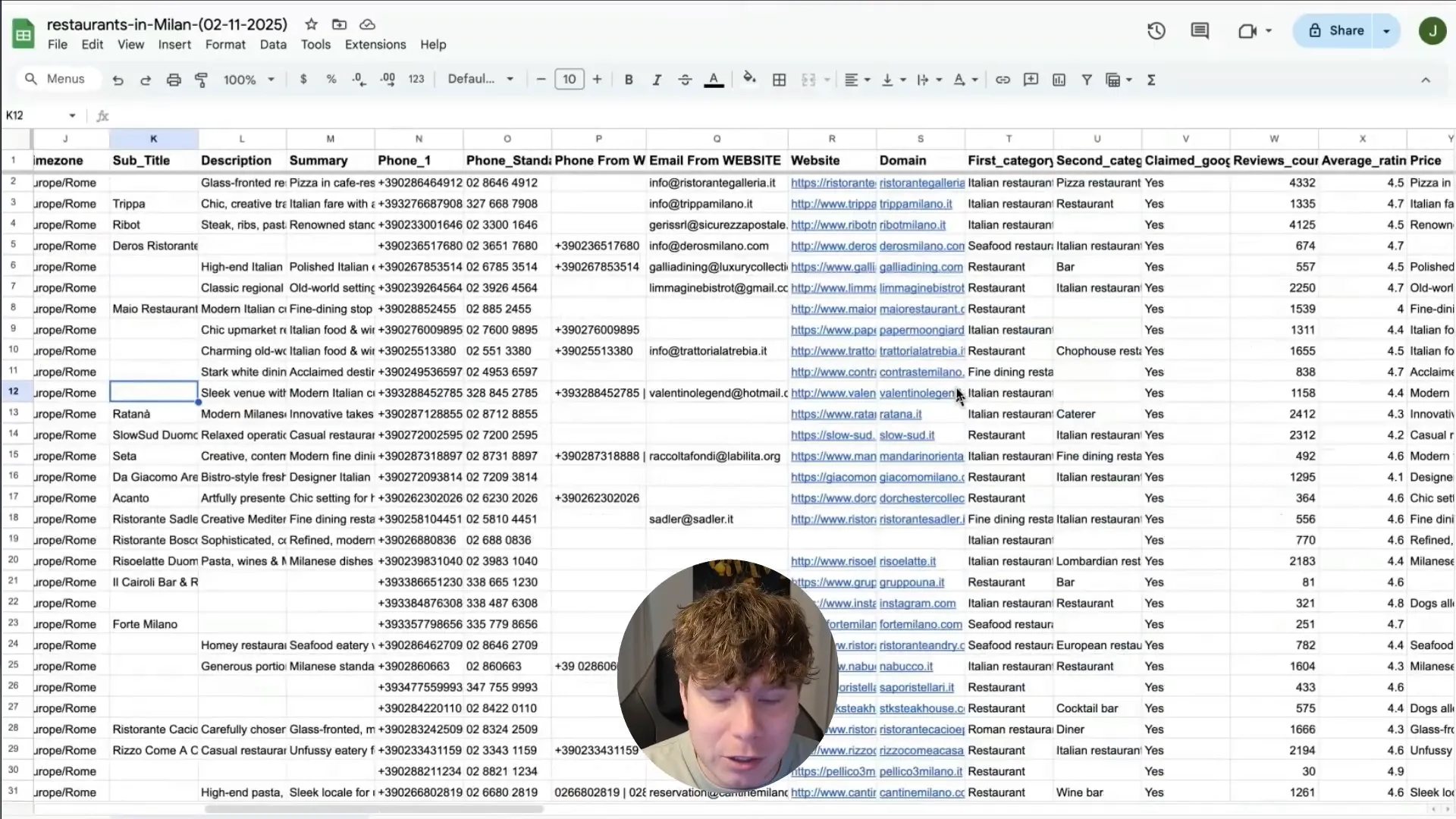
Hit the start button. The scraper will automatically navigate the map results, visiting each business listing to extract all publicly available information, such as business names, phone numbers, addresses, and website URLs.
4. Export the Data
Once the tool finishes running, export your newly generated list. Most tools allow you to download the data as a CSV or Excel file, making it incredibly easy to upload straight into your CRM or cold email software.
5. Clean and Validate
Before launching your outreach campaign, clean your data. Remove any duplicate entries and run the email addresses through a validation tool to ensure you maintain high deliverability rates.
How Leads Sniper Helps You Scrape Unlimited Leads
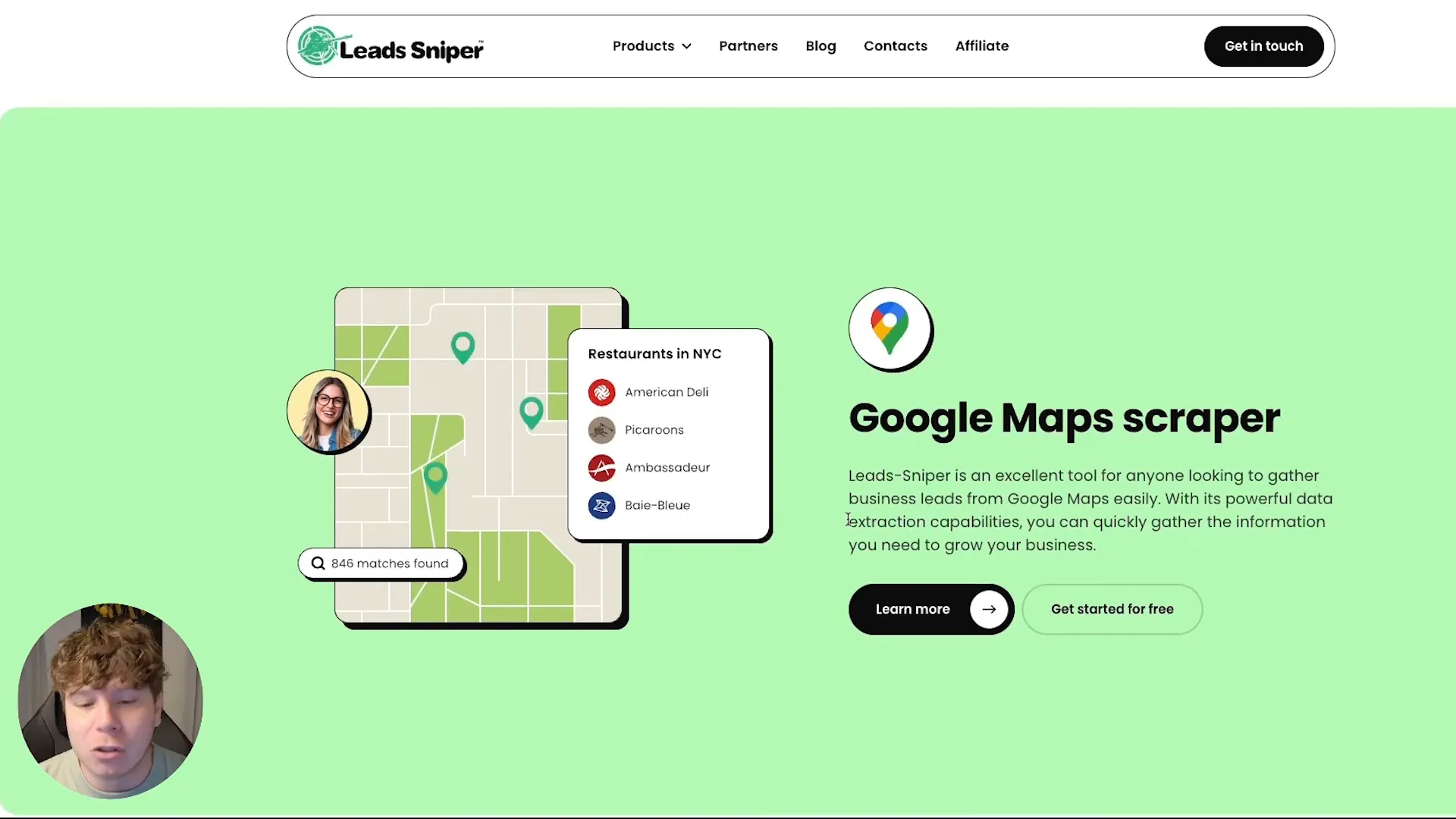
If you want to stop wasting time on manual research, Leads Sniper is the solution. Our tool is designed specifically to automate Google Maps scraping, making it easier than ever to build massive prospect lists on autopilot.
What the Tool Does
Leads Sniper completely automates the data extraction process. Instead of clicking on individual map listings, you let the software run in the background. It instantly extracts:
- Business name
- Email address (by scanning the business website)
- Phone number
- Website URL
- Physical address
Mini Workflow Example
Imagine you want to sell software to restaurants. Here is how your workflow looks with Leads Sniper:
- Search: You enter “Restaurants in New York” into the tool.
- Extract: The tool extracts 500–1000 leads in minutes.
- Export: You download the data to a CSV file.
- Action: Your list is immediately ready for your cold email or cold calling outreach.
The Benefits
- Save hours of manual work: Reclaim your time and focus on closing deals instead of finding them.
- Generate leads daily: Keep your sales pipeline permanently full.
- Scale your campaigns: Reach thousands of prospects instead of dozens.
- Target any niche or location: Pivot your strategy instantly by simply typing in a new search term.
Why It Beats Manual Methods
Manual extraction limits you to around 20 to 50 leads per hour, depending on how fast you work. A tool like Leads Sniper pulls hundreds of leads in a fraction of that time. It eliminates human error, stops the fatigue of repetitive tasks, and drastically lowers your cost-per-lead.
Pro Tips to Scale Lead Scraping
Once you understand the basics, use these strategies to scale your outreach:
- Use multiple keywords: Instead of just searching for "Plumbers," try "Emergency plumbers," "Water heater repair," or "Pipe fitting services."
- Target multiple cities: Don't just target a whole state. Run separate scrapes for individual cities and suburbs to maximize your results.
- Avoid duplicates: Always merge your spreadsheets and remove duplicate domains to prevent messaging the same company twice.
- Enrich emails: If a business listing only provides a website, use an email enrichment tool to find the decision-maker's direct contact info.
- Segment your leads: Group your lists by city or specific niche so you can highly personalize your outreach messages.
Common Mistakes to Avoid
Avoid these frequent pitfalls to ensure your campaigns actually generate revenue:
- Poor targeting: Scraping generic terms leads to irrelevant prospects. Be specific with your keywords.
- Duplicate scraping: Failing to clean your lists will result in annoying your prospects with multiple identical emails.
- Not validating emails: Sending messages to dead email addresses will ruin your domain reputation. Always use an email verifier.
- Low-quality leads: Quality matters just as much as quantity. Make sure the businesses you scrape actually fit your ideal customer profile.
Is Lead Scraping Legal?
Yes, lead scraping is generally legal as long as you adhere to public data usage best practices. Web scrapers simply automate the process of viewing information that is already publicly available on the internet. However, you should avoid scraping private, password-protected data, and you must ensure your outreach complies with local anti-spam laws like CAN-SPAM or GDPR.
Real Examples of Lead Scraping
To understand the sheer volume of data you can access, consider these real-world examples:
- “Dentists in London”: Searching this term can yield over 1,500 highly targeted clinics. You get their phone numbers for cold calling and their front desk emails for introductory offers.
- “Restaurants in Dubai”: This search can extract over 5,000 localized businesses. Whether you are selling point-of-sale systems or marketing services, you instantly have months' worth of outreach material.
Conclusion
Manual prospecting is a thing of the past. By automating your data extraction, you can save countless hours, reduce human error, and scale your sales pipeline to new heights. Understanding how to pull targeted business data efficiently gives you a massive edge over competitors who are still doing things the slow way.
If you want to scrape unlimited leads without manual effort, using a Google Maps scraper like Leads Sniper is the fastest way to scale.
FAQ Section
Is it legal to scrape leads?
Yes, extracting publicly available data from directories and websites is generally legal. However, you must ensure that how you use that data (like sending cold emails) complies with regional marketing regulations.
How many leads can I scrape per day?
This depends entirely on your target market and the tool you use. With an automated solution, you can easily scrape thousands to tens of thousands of leads per day across multiple locations and niches.
What is the best tool for scraping leads?
For B2B local businesses, a dedicated Google Maps scraper is the best choice. Tools designed specifically for map extraction provide the most accurate, up-to-date phone numbers, addresses, and websites available.


