
In 2026, data is the new currency. For small businesses, marketing agencies, and sales teams, the ability to find accurate, targeted leads fast is the difference between scaling revenue and wasting outreach budgets.
Google Maps is the largest and most up-to-date business directory in the world, containing millions of verified local listings. But manually copying emails, phone numbers, and addresses from Google Maps is slow, inefficient, and simply not scalable. That’s where a Google Maps Email Extractor becomes a game-changing automation tool.
In this in-depth guide, you’ll learn what a Google Maps Email Extractor is, how it works, why it’s legal to useresponsibly, and how to turn Google Maps data into a predictable lead generation system using Leads Sniper.
What Is a Google Maps Email Extractor?
A Google Maps Email Extractor is a specialized data extraction tool (often referred to as a Google Maps Scraper that automatically collects business contact information from Google Maps search results.
Since Google Maps does not provide a built-in option to download business emails, extractors like Leads Sniper fill this gap by acting as a smart Google Maps crawler extension. Instead of stopping at visible data on the map, the extractor performs a "deep dive":
- Scans: Google Maps business profiles for public data.
- Visits: the linked business website automatically.
- Finds: publicly available email addresses and social media links.
- Organizes: everything into clean, exportable CSV/Excel files.
Why Google Maps Data is the "Gold Standard" for Lead Gen
Unlike static data bases like Dun & Bradstreet, Google Maps is "live." It is uniquely valuable because it is:
- Location-specific: Perfect for local SEO and territory-based outreach.
- Business-verified: Most listings are actively managed by the owners.
- Intent-rich You can filter by categories like "Coworking spaces" or "Plumbers," targeting businesses already in operation.
The Data Goldmine: What Information Can You Extract?
Modern tools like Leads Sniper go far beyond basic scraping. You aren't just getting a name; you are getting a Business Enrichment dataset.
1. Core Contact Information
- Email Addresses: Primary and secondary emails found on the site.
- Phone Numbers: Direct lines and Phone Carrier Info.
- Business Names: The official name used for Google Maps Places.
2. Comprehensive Business Details
- Physical Address: Includes street, city, and zip code.
- Opening Hours: Know exactly when a business is active.
- Google Place ID: A unique ID used for REST API interface integrations.
3. Digital Footprint & Marketing Signals
- Social Media Profiles: LinkedIn, Facebook, Instagram, and Twitter links.
- Review Intelligence: Total Review Count and average rating to gauge lead quality.
How it Works: The Underlying Process
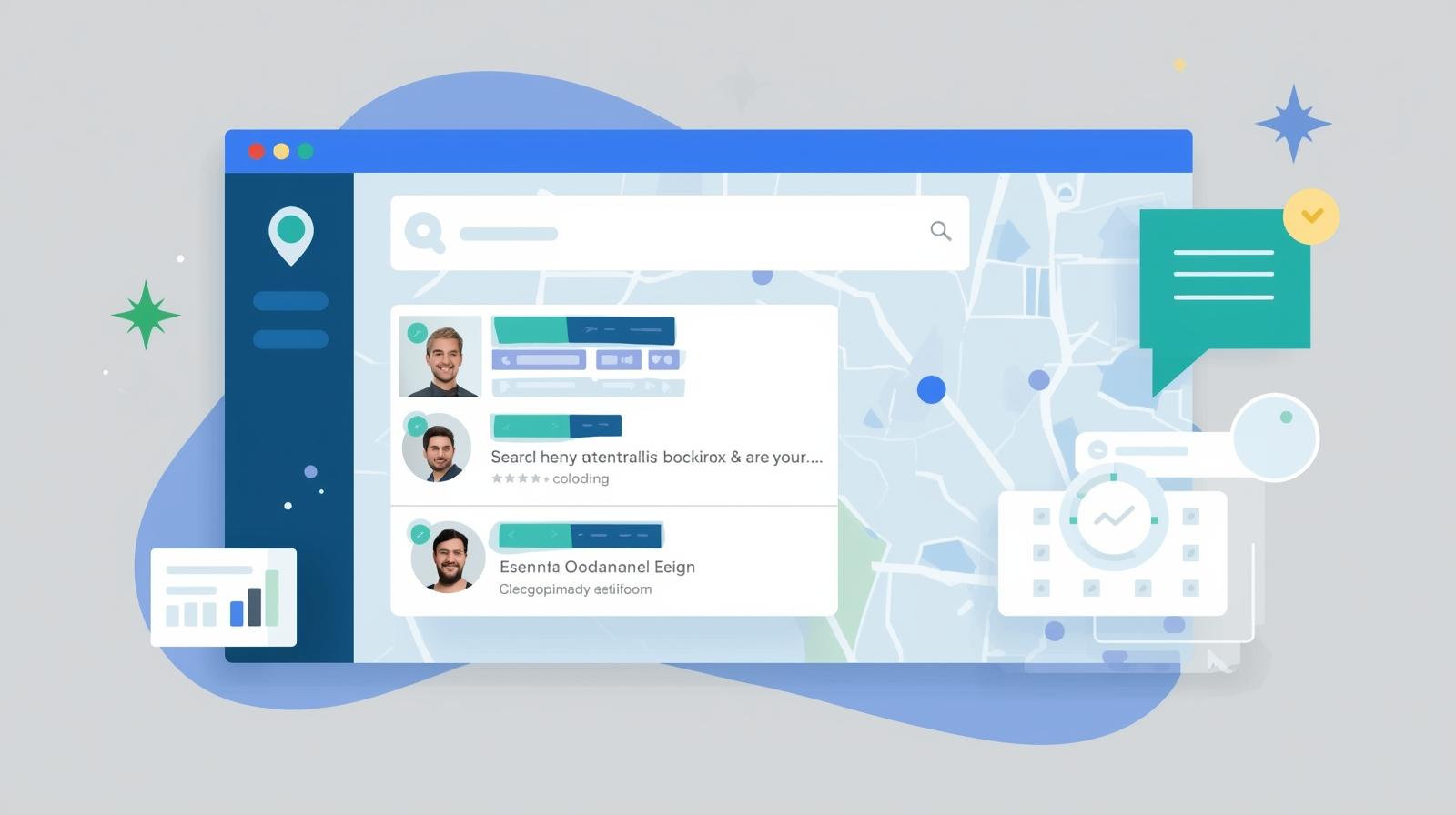
The technology behind Leads Sniper handles the heavy lifting, but the workflow for the user is simple:
- Search Input: You enter a niche and location in the search bar (e.g., "Real Estate Agencies in Miami").
- Automated Crawling: The automation tool scrolls through Ajax Pages and dynamic content that manual scrapers can't reach.
- Data Extraction: The software parses the HTML Content of the business website to find Contact Details.
- Export: Results are delivered in CSV format, ready for your CRM.
Comparison: Leads Sniper vs. Manual Extraction
Legal & Ethical Considerations (The E-E-A-T Section)
Is it legal to use a Google Maps Email Extractor? Yes. In 2026, the consensus remains that scraping publicdata—information that is openly visible to any user on the web—is legal for business purposes.
Privacy Law Compliance (GDPR & CCPA)
To stay ethical and compliant:
- Target Business Emails: Focus on professional addresses (e.g., info@company.com) rather than private personal ones.
- Legitimate Interest: Use the data for relevant B2B outreach.
- Opt-Out: Always provide a clear way for the recipient to unsubscribe from your prospecting email list.
Industry Use Cases: Who is this for?
1. Marketing & SEO Agencies
Agencies use Leads Sniper to find local businesses with low review counts or missing social media links. This allows them to pitch services exactly where the business is lacking.
2. B2B Sales Teams
Sales Development Reps (SDRs) build lead data sets for cold calling and emailing, focusing on specific small businesses in a target city.
3. Real Estate Professionals
Investors use the tool to find property management companies or local contractors by scraping specific Google Maps search results.
Common Challenges and Troubleshooting
- Avoiding IP Blocks: High-quality tools use IP addresses rotation and smart delays to prevent CAPTCHAs.
- Data Freshness: Business info changes. We recommend re-scraping your target niches every 90 days to ensure Data Accuracy.
- Handling Formats: Our tool handles various data formats, making it easy to move data between Google Sheets and your CRM.
The Future of Google Maps Extraction: AI Integration
The future of Google Maps Search Export isn't just about the "list." It’s about AI and Machine Learning Integration
- Lead Scoring: AI will soon rank your leads based on their Google Maps profile strength.
- Automated Outreach: Integration with tools that write a personalized Sales Summary based on a business's recent reviews.
Conclusion:Turn Google Maps Into Your Sales Pipeline
Manual prospecting is a relic of the past. By leveraging a Google Maps Email Extractor, you transform the world's largest business directory into a scalable, predictable lead generation system.
If you’re ready to stop copying dataand start closing deals, Leads Sniper gives you the speed, accuracy, andcontrol you need to dominate your market in 2026.